 Vital OS · for doctors and clinics
Keep your pen. Lose the paperwork.
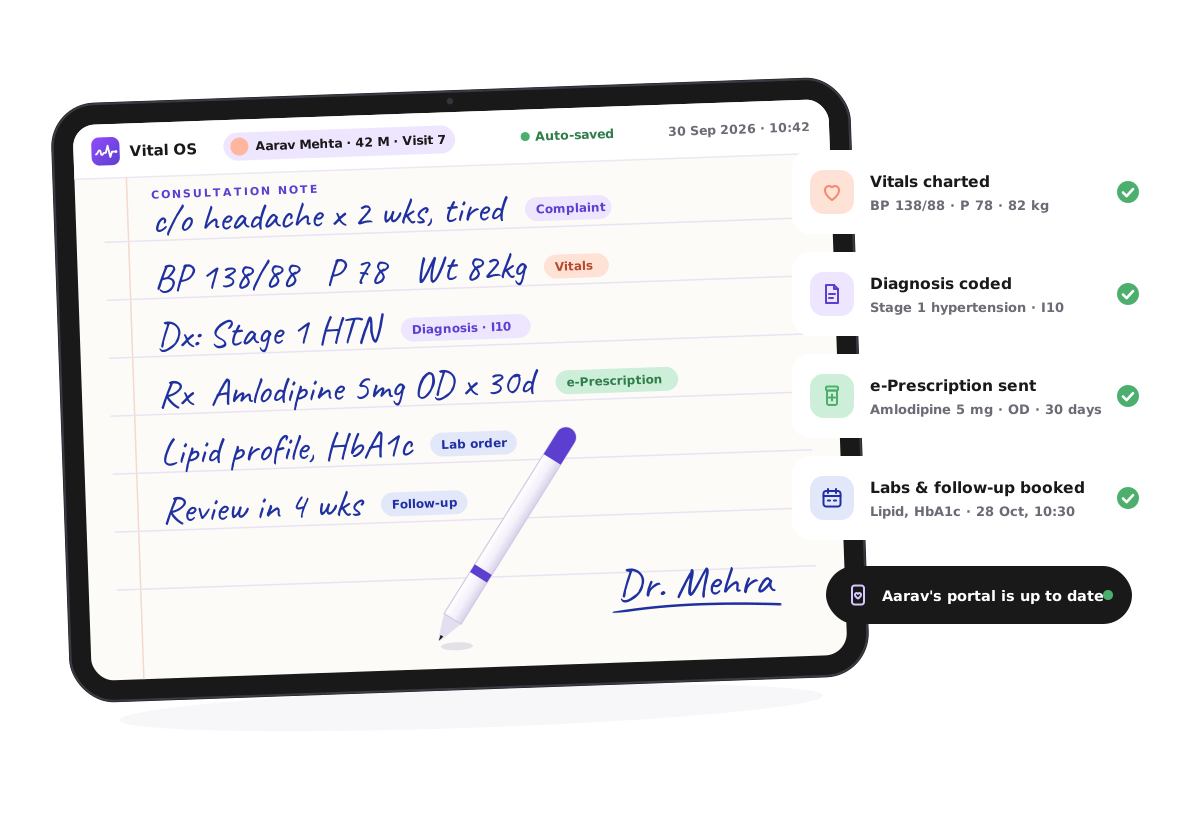
Vital OS is a clinic system built around a tablet and a stylus. You write notes and prescriptions exactly as you do today. The health record, e-prescription, lab orders, bill and patient portal fill themselves in.
- No typing
- Patient portal included
- Works offline
Medicine is one job. Paperwork became a second.
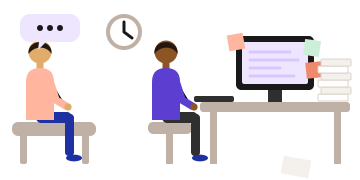
Today
- Typing while your patient talks to the back of your screen
- The same details entered in the register, the software and the bill
- Notes finished after the last patient has gone home
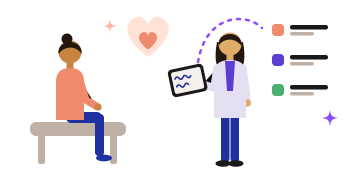
With Vital OS
- Face your patient and write on the tablet
- Write once, and every system updates from that one note
- When the consult ends, the paperwork is already done
Write it once. Digital happens as a side effect.
No forms, no drop-downs, no new habits. Vital OS reads your note while you write it and puts every line where it belongs.
You write
Complaint, vitals, diagnosis, Rx, tests, follow-up. In your own hand, on a page that feels like paper.
Vital OS reads
Each line is recognised as you go and sorted into the right part of the record. A tap fixes anything it misreads.
Everything updates
The record, prescription, lab order, bill, follow-up and patient portal are done before you put the pen down.
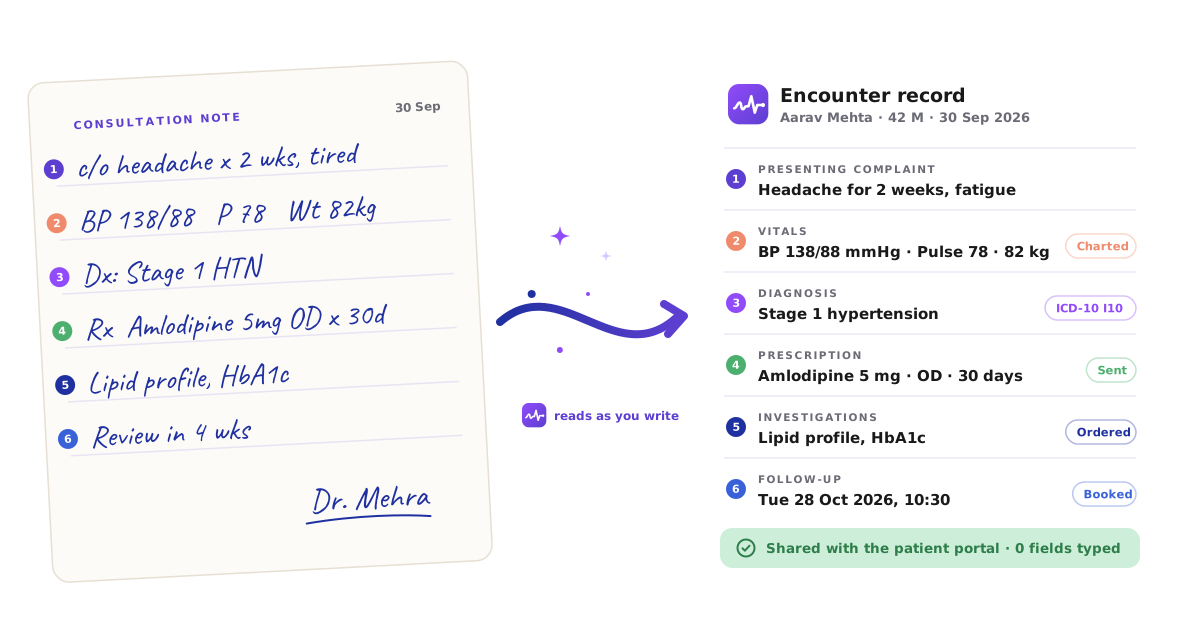
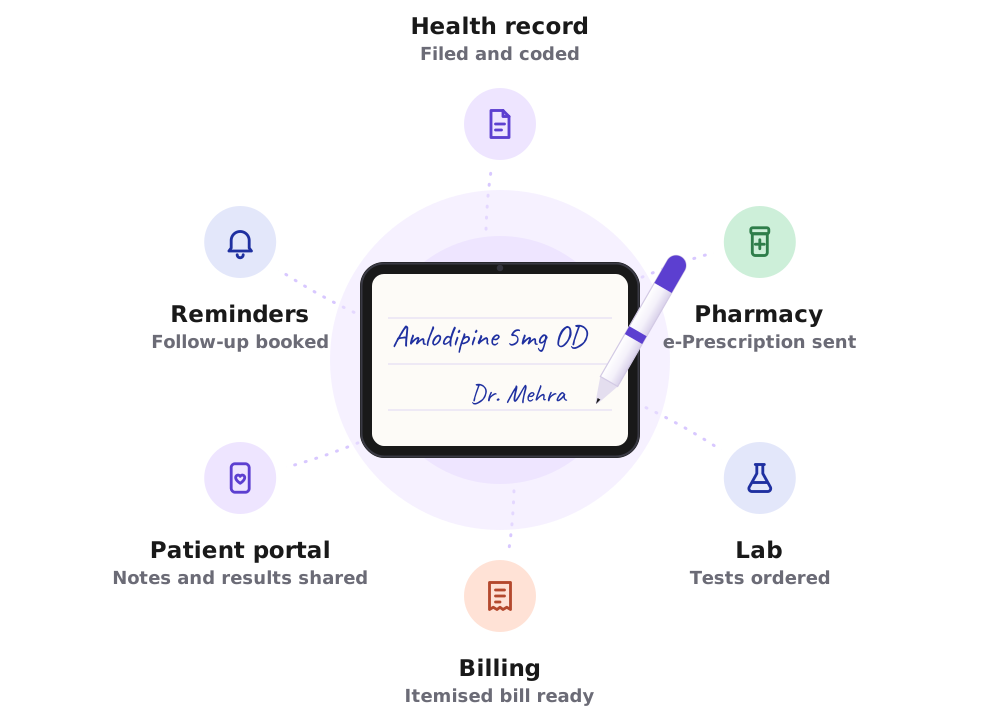
One stroke of the pen. Six jobs done.
In most clinics, a single prescription is written, typed, printed, re-entered for billing and explained again on the phone. With Vital OS it happens once.
- Health recordFiled in the right fields and coded
- Pharmacye-Prescription sent
- LabTests ordered, results routed back
- BillingItemised bill ready
- Patient portalNotes and results shared
- RemindersFollow-up booked and reminded
A complete clinic system. None of the typing.
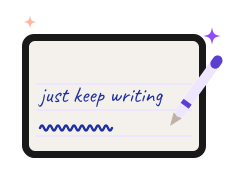
Write the way you always have
A stylus on a tablet that feels like paper. Your handwriting, your shorthand, your abbreviations.
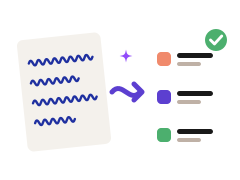
Records that file themselves
Complaints, vitals, diagnosis and plan land in the right fields of the health record as you write.
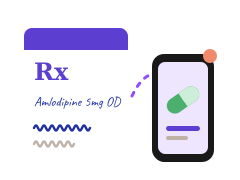
Prescriptions, sent
Write Rx as usual. The patient gets a clear e-prescription and the pharmacy gets it too.
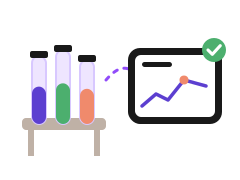
Labs ordered and returned
Tests you write down are ordered. Results come back into the patient's record, flagged when they need you.
Appointments and follow-ups
"Review in 4 weeks" books the follow-up and sends the reminder. Patients book and check in online.
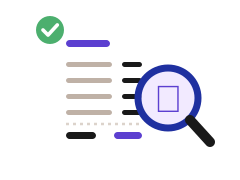
Itemised billing
Consultations, tests and procedures become a clear, itemised bill without anyone re-entering them.

A patient portal, included
Every patient sees their notes, prescriptions, results and bills in plain words, on their phone.
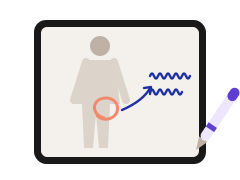
Draw, don't describe
Sketch on body diagrams, circle a finding, annotate a scan. Drawings are saved with the visit.

See how your practice is doing
Patients seen, follow-ups kept, revenue and outstanding results, without building a spreadsheet.
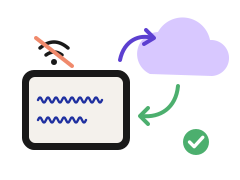
Works when the internet doesn't
Keep writing through an outage. Notes are saved on the tablet and sync when you're back online.
Private by design
Records are encrypted and access is in your hands. You decide who on your team sees what.
Your evenings back
When the consult ends, so does the paperwork. No catching up on notes after the last patient.
Your patients see what you see.
Every patient gets a portal with their visits, prescriptions, results and bills, explained in plain words. They stop calling to ask what the doctor said, and your front desk gets its day back.
- Prescriptions they can readIn your handwriting and typed out, with dose, timing and refill dates.
- Results in plain wordsNumbers with what they mean, once you've reviewed them.
- Every rupee itemisedBills that list each charge. No surprises at the counter.
- Booking and check-inPatients book, fill forms and check in before they arrive.
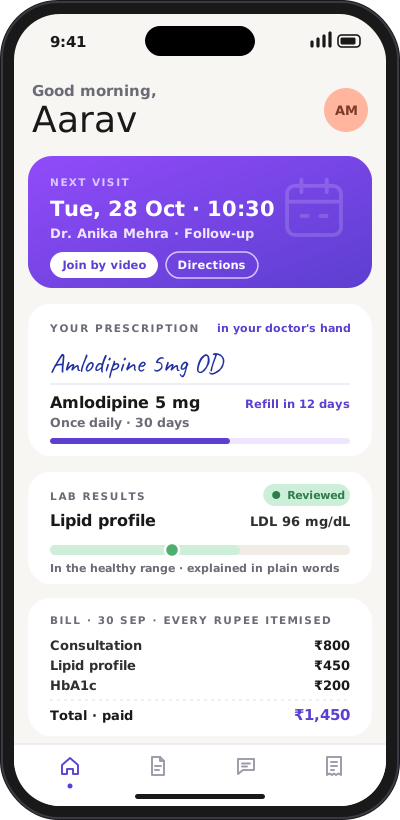
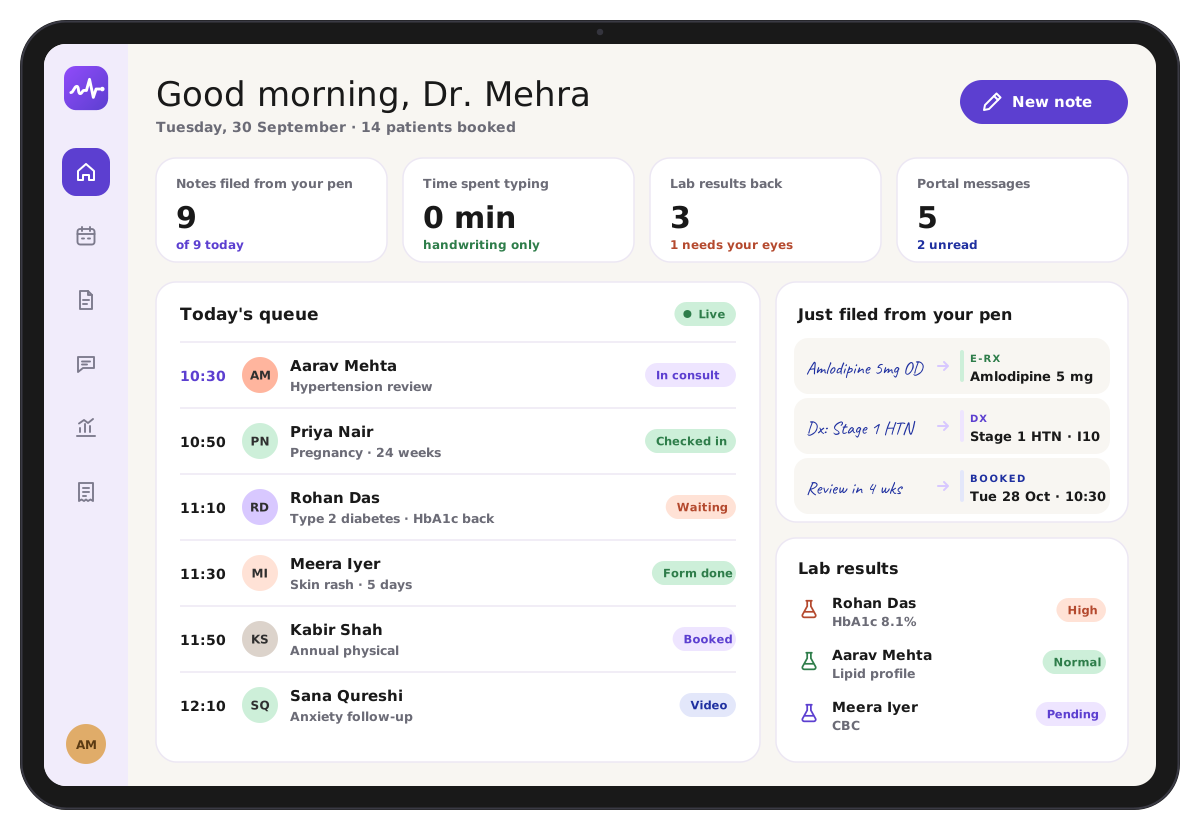
Your whole day, on one screen.
See who's waiting, who checked in from home, which results need your eyes and what was filed from your pen, all from the tablet you write on.
The best of paper and software.
Paper is fast and human but goes nowhere. Typical clinic software is organised but puts a keyboard between you and your patient. Vital OS keeps what's good about both.
| Capability | Paper | Typical EMR | Vital OS |
|---|---|---|---|
| Write naturally with a pen | Yes | No | Yes |
| Eyes on the patient, not a keyboard | Yes | No | Yes |
| Structured, searchable records | No | Yes | Yes |
| Prescription, labs and bill from one note | No | Re-typed | Yes |
| Patient portal built in | No | Often extra | Yes |
| Keeps working without internet | Yes | Varies | Yes |

Healthcare should be transparent, and built around the patient.
Vital OS started as the system our own clinics run on. We built it because care gets lost in the gaps between the doctor's note, the pharmacy, the lab, the bill and the patient. Close those gaps and two things happen: doctors get their time back, and patients finally understand their own care.
- Patients see their records, not a summary of them
- Prices and bills are itemised, always
- Doctors practise medicine, not data entry
We set it up with you.
See it with your handwriting
In the demo you write a real note on Vital OS and watch it become a record.
We configure your practice
Your medicines, tests, fees, templates and team, set up before your first patient.
Start writing
Your first consult on Vital OS looks like any other. That's the point.
Questions doctors ask us
Do I have to change how I write?
No. Vital OS learns your handwriting, shorthand and abbreviations. If it reads something wrong, you correct it with a tap and it remembers.
What happens if the internet goes down?
You keep writing. Notes are saved on the tablet and sync to the record as soon as the connection is back.
Do my patients need to install anything?
No. Patients open their portal from a link on their phone. Nothing to download, no new password to forget.
Is patient data secure?
Records are encrypted, and you control who on your team can see what. Patients see only their own records.
Does it work for a clinic with several doctors?
Yes. Each doctor writes on their own tablet with their own queue, and every patient has one shared record.
What does it cost?
It depends on how many doctors and locations you have. We'll show you the full price in the demo, line by line. Hidden fees would be a strange look for a company with our name.
Watch your own handwriting become a record.
A live demo on a real tablet. Bring your hardest handwriting.